Free social media calendar template (CSV for Excel or Google Sheets)
Here is a free social media calendar template you can download as a CSV file. It holds four weeks of a small business’s posts, three a week, with six columns: When, Time, Platform, Format, Topic and Angle. It opens in Excel, Google Sheets, Numbers or any spreadsheet.
Replace the example topics with your own, keep the structure, and you have a month planned. The rows are written with relative days (“Week 1, Monday”) so the file never goes out of date.
What is in the template
Twelve posts across four weeks, for a generic local business. They are deliberately ordinary so you can swap in your own subject without rethinking the structure.
| When | Platform | Format | Topic |
|---|---|---|---|
| Week 1, Monday | Portrait | What we do, in one picture | |
| Week 1, Wednesday | Instagram, Facebook | Carousel | Five questions customers ask us most |
| Week 1, Friday | Story | This weekend at ours | |
| Week 2, Monday | Text | A small change we made because of your feedback | |
| Week 2, Wednesday | Reel | Behind the scenes: how a typical morning starts | |
| Week 2, Friday | Text | What running a small business taught us this year | |
| Week 3, Monday | Square | Meet the team | |
| Week 3, Wednesday | Instagram, Facebook | Carousel | How to get the most out of our service |
| Week 3, Friday | Story | Quick poll: what should we stock next? | |
| Week 4, Monday | Portrait | A customer question, answered properly | |
| Week 4, Wednesday | Reel | Before you visit: what to expect | |
| Week 4, Friday | Instagram, Facebook | Portrait | Thank you for this month |
The downloaded file also has a Time column and an Angle column for every row: a sentence or two on how to make the post, what to open on and how to end it.
How to use it in Excel or Google Sheets
- Google Sheets: File → Import → Upload, choose the CSV, and pick “Replace spreadsheet” or “Insert new sheet”. Excel: open the file directly, or use Data → From Text/CSV if your version splits columns oddly.
- Check the When column came through as one cell (“Week 1, Monday”), not two. The value is in quotes in the file for exactly this reason.
- Change the Platform column to the channels you actually use. Two platforms in one cell means the same post goes to both.
- Rewrite each Topic for your business. Keep them specific: “Meet Sam, who opens up on Saturdays” beats “Team post”.
- Rewrite the Angle for the first week only. Do the rest each Friday for the week after.
- Leave Time blank where you do not mind; it means “at our usual time”.
- Save as CSV again (File → Download → CSV in Sheets; Save As → CSV UTF-8 in Excel) if you want to import it anywhere else.
Changing the template to fit you
- More or fewer posts. Three a week is a manageable start. Add or remove rows rather than squeezing two ideas into one. See how often a business should post.
- Dates instead of weeks. Replace “Week 1, Monday” with a real date (for example 2026-12-07) if you are planning around fixed events.
- Formats. Use the names you will recognise later: Portrait, Square, Carousel, Story, Reel, Text. If you are not sure which image shapes each platform shows uncropped, see the best aspect ratio for social media.
- Extra columns. Add Status, Owner or Link to the right of Angle. Keep the first six in place so the file stays easy to reuse.
The example angles avoid discounts, superlatives and claims. If you run a clinic or another regulated business, keep it that way and read healthcare social media guidelines before filling it in.
Importing it into a scheduling tool
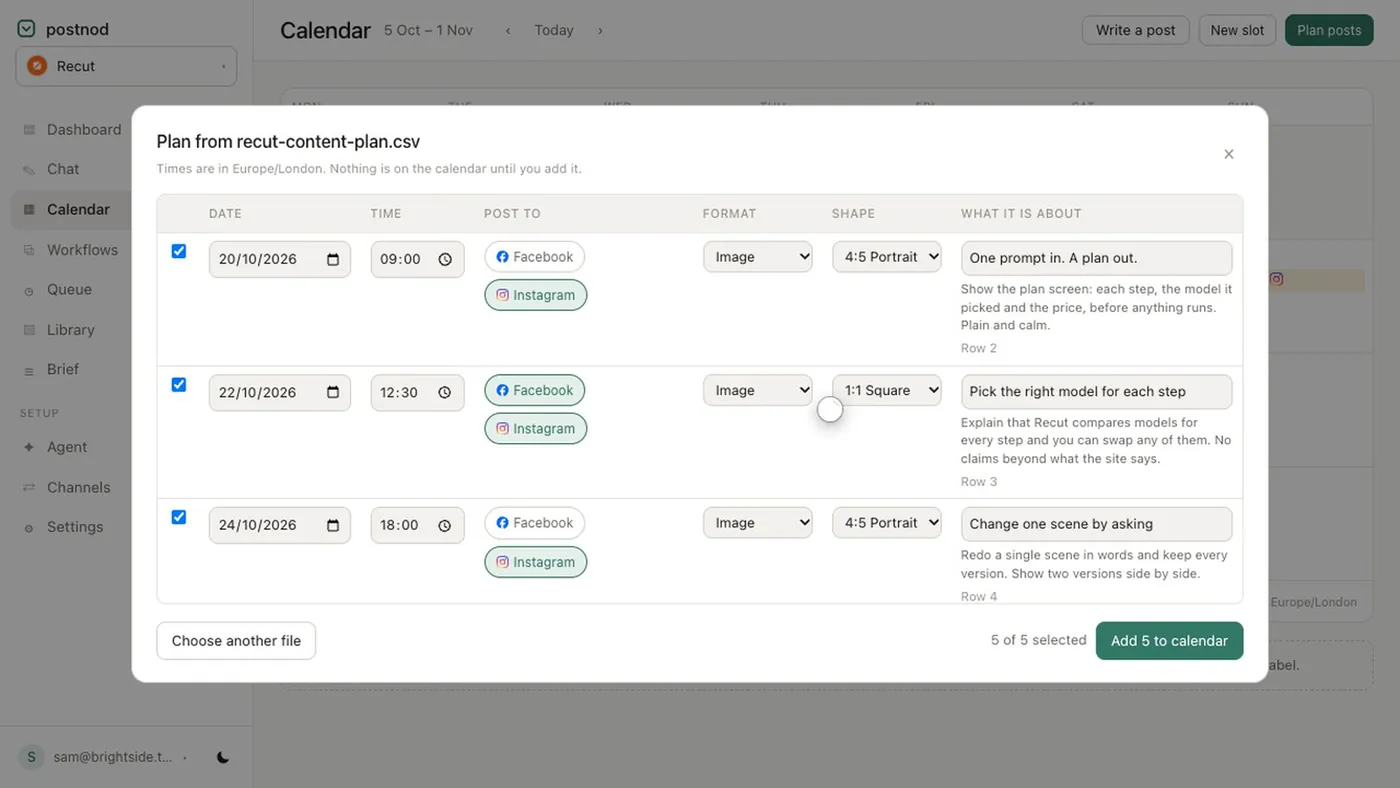
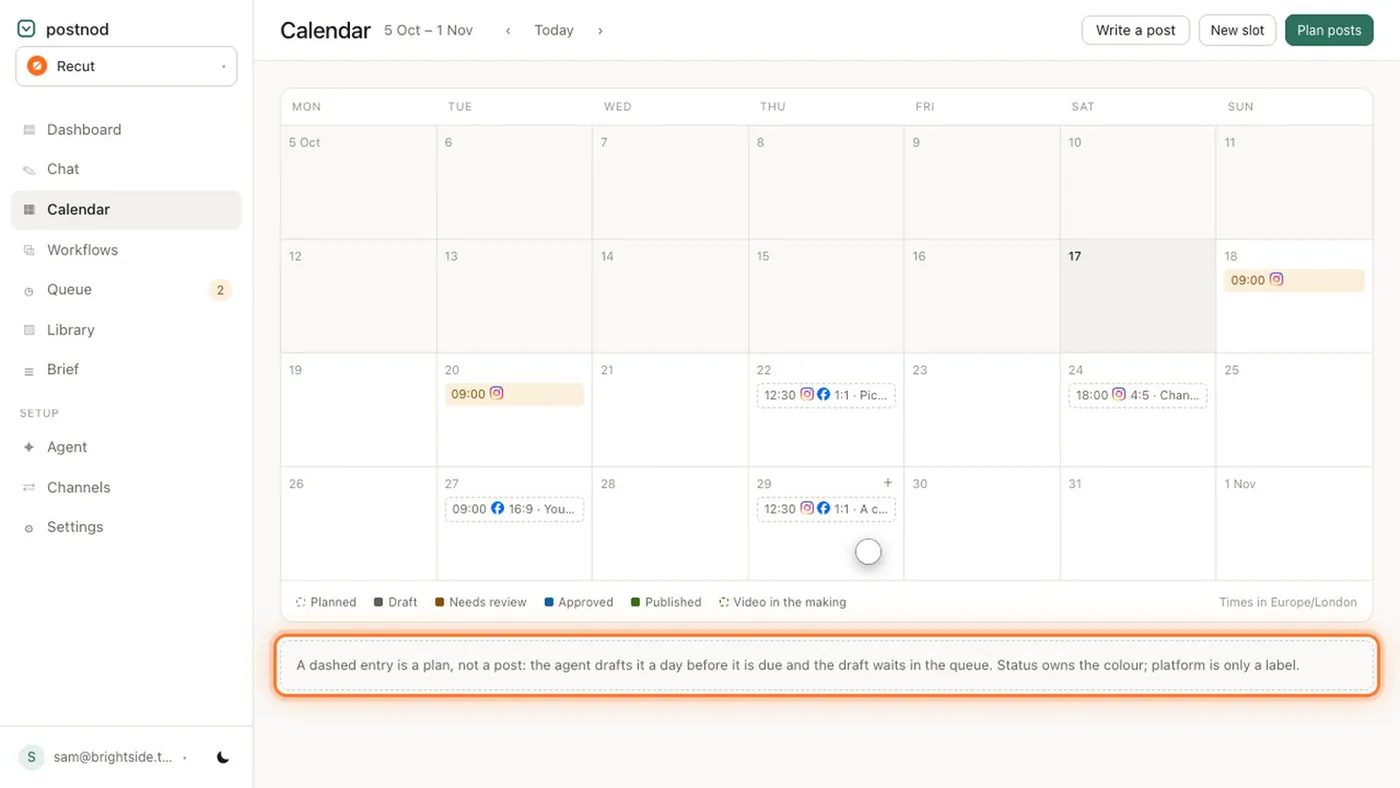
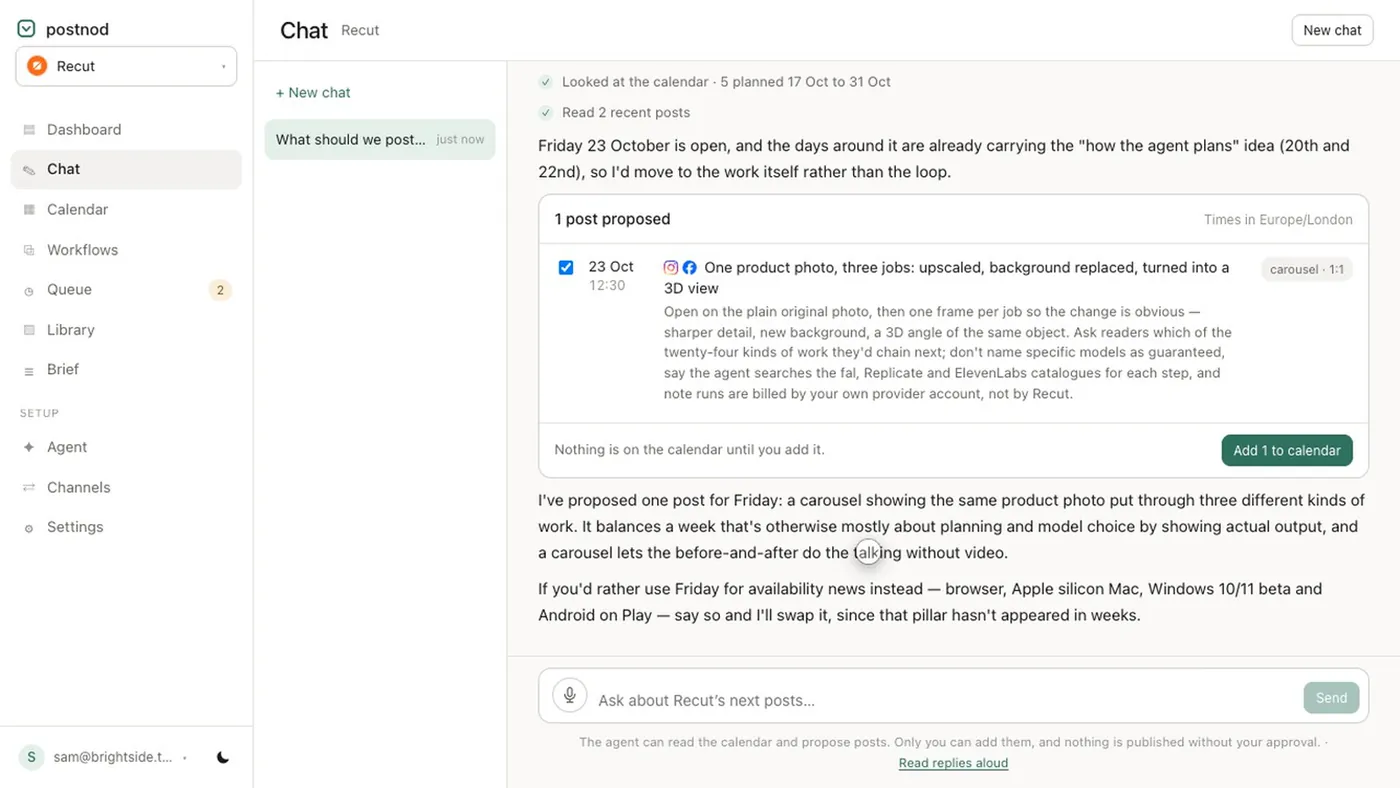
Most scheduling tools accept a CSV, but each wants its own columns, so expect to rename headings. The template imports straight into Postnod’s calendar without changes: drop the file in, choose a start date for “Week 1”, and each row lands as a planned slot. About a day before each slot is due, the agent drafts the caption and image and stages it for approval. The same import also reads a plan written in a document, a deck or a PDF if your calendar does not live in a spreadsheet.
Questions people ask
Is there a free social media calendar template?
Yes. Download the CSV: four weeks, 12 example posts, six columns. No sign-up needed.
Does Google Sheets have a social media calendar template?
Its template gallery changes over time, so the quickest route is to import this CSV into a new sheet: File → Import → Upload. It takes about a minute.
What format should a social media calendar be in?
A spreadsheet with one row per post works for most teams. CSV is the most portable format because every spreadsheet and most scheduling tools can open it.
Can I use the template for Instagram only?
Yes. Set every Platform cell to Instagram and use Portrait, Carousel, Reel and Story for the formats. See the Instagram content calendar guide.
Try it on one brand
Postnod reads your website, drafts posts in your brand’s voice, checks them against your rules and waits for your nod. Nothing is posted until a person approves it. Free for one brand.
Related guides
 Planning and calendarsSocial media content calendar: what goes in it and how to build onePlanning and calendarsInstagram content calendar: plan a month of posts, Reels and Stories
 Planning and calendarsSocial media content plan: pillars, mix and a monthly templatePost ideas by tradeSocial media post ideas for small business: 30 for any trade