Best aspect ratio for social media: one table, every placement
For feed posts the best all-round aspect ratio is 4:5 (1080 × 1350). It fills the most screen on Instagram, Facebook, Threads and LinkedIn. For TikTok, Reels, Stories and YouTube Shorts it is 9:16 (1080 × 1920). Pinterest prefers 2:3 (1000 × 1500), and X shows 16:9 and 1:1 without cropping.
If you make one image for everything, design it at 9:16 and keep everything that matters inside the middle 4:5 area.
Best aspect ratio by platform and placement
| Platform | Placement | Best ratio | Pixels | Also accepted |
|---|---|---|---|---|
| Feed | 4:5 | 1080 × 1350 | 3:4, 1:1, 1.91:1 | |
| Stories, Reels | 9:16 | 1080 × 1920 | – | |
| Profile grid | 3:4 (shown) | centre crop | – | |
| Feed | 4:5 | 1080 × 1350 | 1:1, 16:9, 1.91:1 | |
| Stories, Reels | 9:16 | 1080 × 1920 | – | |
| TikTok | Video and photo | 9:16 | 1080 × 1920 | 1:1 and 16:9 show with bars |
| YouTube | Shorts | 9:16 | 1080 × 1920 | Square |
| YouTube | Long-form video | 16:9 | 1920 × 1080 | – |
| Feed image | 4:5 or 1:1 | 1080 wide | Anything from 3:1 to 4:5 | |
| X | Feed image | 16:9 or 1:1 | 1920 × 1080 or 1080 × 1080 | Tall images are cropped in preview |
| Threads | Feed | 4:5 or 1:1 | 1080 × 1350 | Up to 10:1 via the API |
| Standard Pin | 2:3 | 1000 × 1500 | 9:16 for video Pins |
Sources: Instagram’s help centre (1.91:1 to 3:4), LinkedIn Help (3:1 to 4:5, 1080 wide), TikTok’s ads help (9:16), YouTube Help (square or vertical videos up to 3 minutes are Shorts), Pinterest Help (2:3, 1000 × 1500) and Meta’s developer docs. The X sizes are what displays uncropped in practice; X does not publish a recommended ratio. Last checked November 2026.
One crop for everything
Re-cropping every image for every platform is where most time goes. A single master avoids it:
- Design on a 1080 × 1920 (9:16) canvas. That is your Reels, Stories, TikTok and Shorts version as it stands.
- Keep everything important inside the middle 1080 × 1350 band (from 285 px to 1,635 px down). Crop that band out and you have your 4:5 feed post for Instagram, Facebook, Threads and LinkedIn.
- Keep text and logos tighter still: 65 px in from each side, and between about 285 px and 1,250 px down. That keeps them clear of Story and Reel buttons, which Meta suggests avoiding in the top 14% and bottom 35% of a 9:16 frame, and inside the 4:5 crop.
- Crop 1080 × 1620 for Pinterest (2:3) from the same master, and the centre 1080 × 1080 if you need a square.
- Make 16:9 separately. A landscape crop from a vertical master is a thin strip; for X or YouTube long-form, start from a landscape original.
Common crop mistakes
- Text at the very top of a 4:5 post. Fine in the feed, but the 3:4 profile grid trims the sides, and a 9:16 version puts it under the account name.
- Square images on Instagram. They show in full in the feed but lose 135 px off each side in the grid. See Instagram post size.
- Landscape on TikTok or Reels. It plays with black bars and looks like a repost.
- Mixed ratios in a carousel. Instagram applies one orientation to every slide.
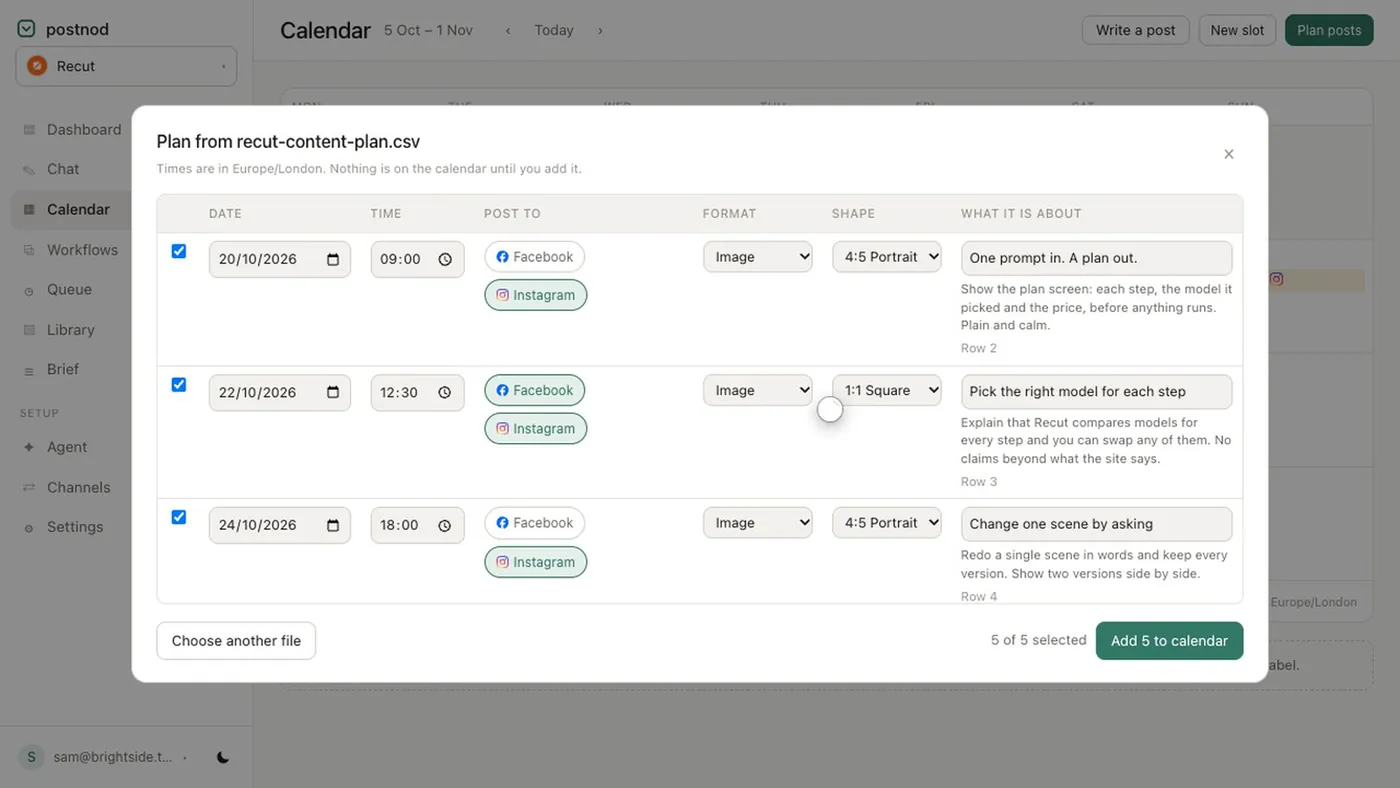
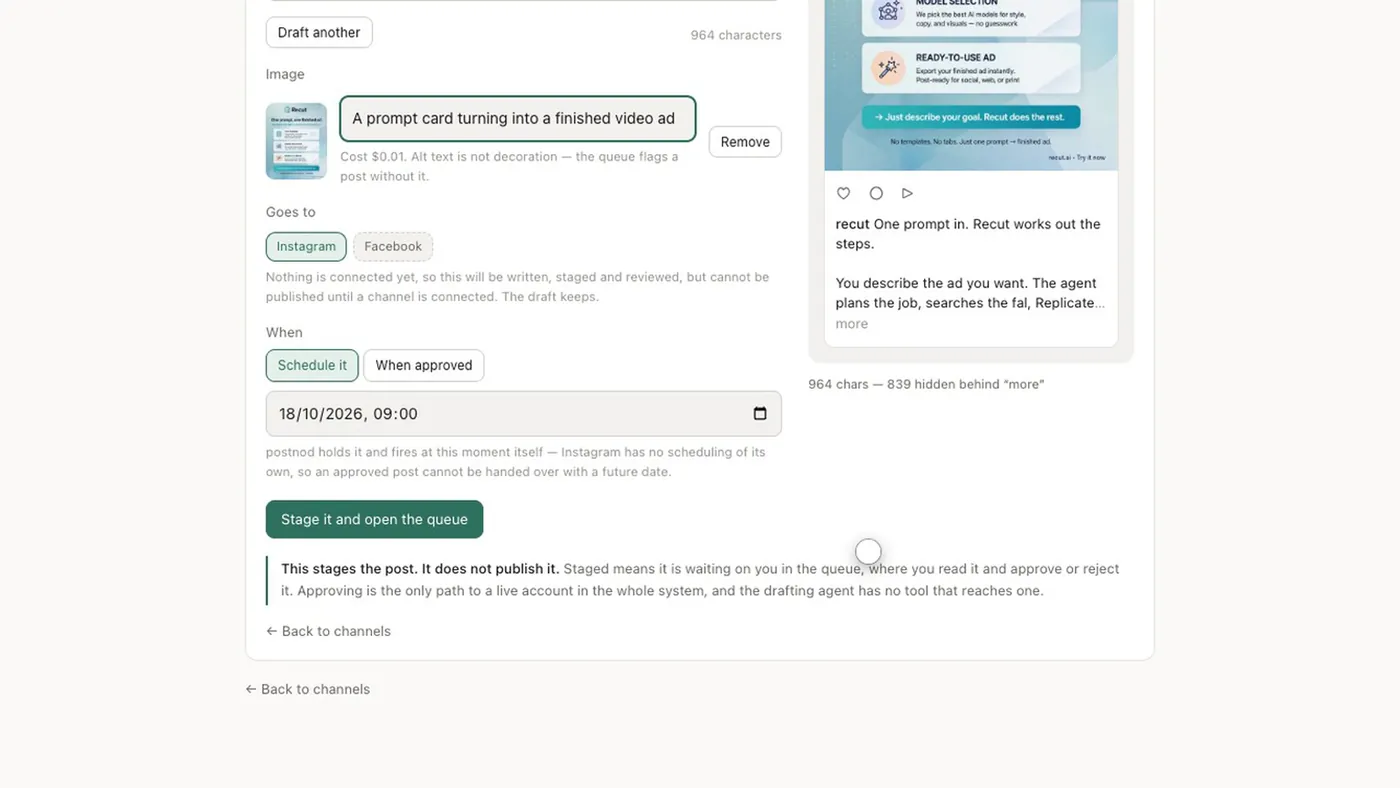
Postnod checks which platforms would crop an image before a post is staged: Instagram is treated as uncropped at 4:5, 1:1 and 9:16; Facebook at 4:5, 1:1, 16:9 and 1.91:1; TikTok at 9:16; YouTube at 9:16 and 16:9; X at 16:9 and 1:1; LinkedIn at 1:1, 4:5, 16:9 and 1.91:1. Its image critique also scores each image for crop safety. Put the shape in your plan from the start; see the social media calendar template.
File checklist
- Export 1080 px wide for feeds; Instagram scales wider images down to 1,080.
- Name each export by ratio (post-4x5.jpg, post-9x16.jpg) so the right one goes to the right place.
- Check text size on a phone: if you have to zoom, it is too small.
- Keep a copy of the full 9:16 master, so a later change means one edit, not five.
Questions people ask
What is the best aspect ratio for Instagram?
4:5 (1080 × 1350) for feed posts and 9:16 (1080 × 1920) for Stories and Reels. Instagram also accepts 3:4, which matches its profile grid.
What aspect ratio is TikTok?
9:16 vertical, ideally 1080 × 1920. Square and landscape videos play with bars above and below.
What aspect ratio are YouTube Shorts?
Vertical 9:16 is standard; YouTube also treats square videos up to 3 minutes as Shorts. Landscape videos are treated as regular uploads.
What is the best aspect ratio for Facebook posts?
4:5 portrait for the feed, which is what Meta recommends for Facebook Feed ads, and 9:16 for Stories and Reels.
Is there one size that works on every platform?
Not without cropping. The closest is a 9:16 master with everything important inside the middle 4:5 area, cropped down for each feed.
Try it on one brand
Postnod reads your website, drafts posts in your brand’s voice, checks them against your rules and waits for your nod. Nothing is posted until a person approves it. Free for one brand.
Related guides
 Sizes and character limitsInstagram post size: the dimensions for every formatSizes and character limitsSocial media image sizes: the 2026 cheat sheetSizes and character limitsTikTok video size and aspect ratio: 9:16 at 1080 × 1920Sizes and character limitsYouTube Shorts size and aspect ratio: 9:16, up to 3 minutes