Instagram post size: the dimensions for every format
The best Instagram post size is 1080 × 1350 pixels (4:5 portrait). It takes up the most room in the feed and every publishing tool accepts it. Square is 1080 × 1080, landscape is 1080 × 566, and Stories and Reels are 1080 × 1920 (9:16).
Instagram also accepts 1080 × 1440 (3:4), the same shape as the profile grid since 2025. Its help centre lists ratios from 1.91:1 up to 3:4 as supported, but Meta’s publishing API, which scheduling tools use, still stops at 4:5.
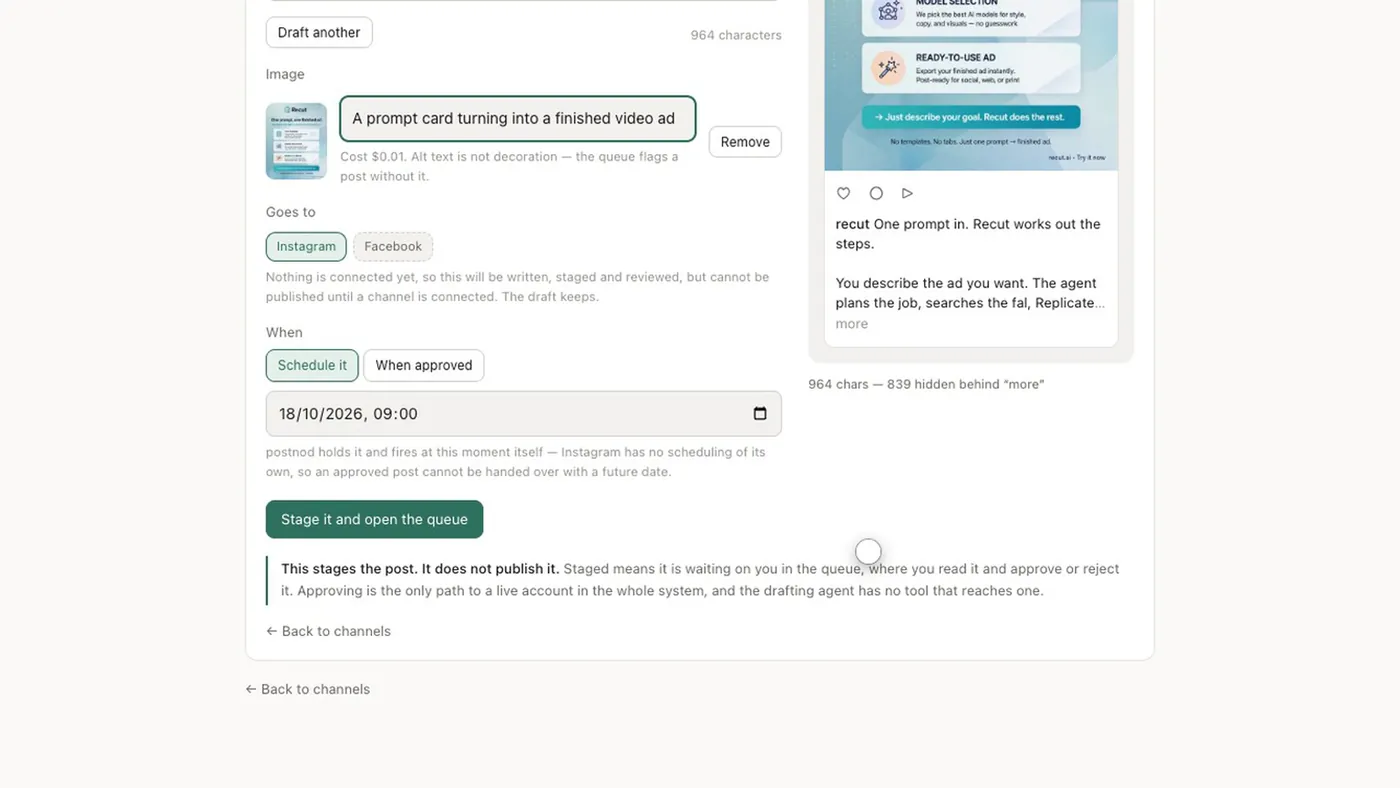
Instagram sizes at a glance
| Format | Ratio | Pixels | Notes |
|---|---|---|---|
| Portrait feed post | 4:5 | 1080 × 1350 | The safe default; works through every tool |
| Tall portrait | 3:4 | 1080 × 1440 | Supported in the app; fills a grid tile exactly; may be cropped to 4:5 by tools |
| Square | 1:1 | 1080 × 1080 | Loses its sides in the 3:4 grid |
| Landscape | 1.91:1 | 1080 × 566 | Small in the feed; heavily cropped in the grid |
| Story | 9:16 | 1080 × 1920 | Full screen; keep text away from the top and bottom |
| Reel | 9:16 | 1080 × 1920 | Grid thumbnail is a 3:4 crop from the middle |
| Profile grid tile | 3:4 | shown, not uploaded | A centre crop of whatever you posted |
Instagram’s help centre says photos between 320 and 1,080 pixels wide keep their resolution if the ratio is between 1.91:1 and 3:4; wider photos are scaled down to 1,080 and anything outside the range is cropped. See Instagram’s image resolution page.
Meta’s ads guide now recommends 1440 × 1800 for 4:5 feed ads. For ordinary posts, 1080 wide is what Instagram displays, so a larger file buys you nothing but upload time.
The 3:4 profile grid
Since early 2025 the profile grid shows each post as a 3:4 rectangle instead of a square. The full post still appears when someone taps it, but the grid shows a centre crop. Here is what each shape loses:
| You posted | What the 3:4 grid tile shows |
|---|---|
| 4:5 (1080 × 1350) | Almost all of it: about 34 px off each side |
| 3:4 (1080 × 1440) | All of it |
| 1:1 (1080 × 1080) | The middle 810 px: 135 px off each side |
| 1.91:1 (1080 × 566) | Only the middle 425 px or so of the width |
| 9:16 Reel (1080 × 1920) | The middle 1440 px: 240 px off the top and bottom |
The practical rule: keep faces, headlines and logos inside the centre 1012 × 1350 of a 4:5 post and they survive the grid. For Reels, keep the cover’s title in the middle three-quarters of the height.
Carousels
- A carousel holds up to 20 photos and videos, according to Instagram’s help centre.
- The orientation you choose applies to every slide. In practice, the first slide sets the shape, so make all slides the same ratio before you upload.
- Many scheduling tools still cap carousels at 10 slides, so check yours before you design slide 11.
- The grid shows only the first slide, cropped to 3:4.
Stories and Reels safe zones
Instagram’s own buttons sit on top of a 9:16 frame. Meta’s ads guidance suggests leaving roughly 14% of the top, 35% of the bottom and 6% of each side free of text. On 1080 × 1920 that is about 270 px at the top, 670 px at the bottom and 65 px each side. It is written for ads, but organic Stories and Reels have the same overlays.
If one image has to serve the feed and Reels, see the best aspect ratio for each platform.
Last checked November 2026 against Instagram’s help centre and Meta’s developer and ads documentation.
Before you upload
- Export at 1080 pixels wide. Narrower than 320 is enlarged and looks soft; wider is scaled down to 1,080 anyway.
- Pick one ratio per post: 4:5 if a scheduling tool will publish it, 3:4 only if you post from the app.
- Check the centre 1012 × 1350 holds every face, word and logo, so the grid crop loses nothing.
- For carousels, crop every slide to the same ratio first.
- Look at it on a phone, in the feed and in the grid, before it goes out.
Questions people ask
What size is an Instagram post in 2026?
1080 × 1350 pixels (4:5) for a portrait post, which is the safest choice. Square is 1080 × 1080 and Stories or Reels are 1080 × 1920.
Is Instagram 4:5 or 3:4 now?
Both are supported in the app, and the profile grid shows 3:4 tiles. 4:5 is still the safer upload because publishing tools and Meta’s API accept it, and it loses only a sliver in the grid.
Why does Instagram crop my photo?
Instagram crops anything outside 1.91:1 to 3:4. Separately, the profile grid shows a 3:4 centre crop of every post, which cuts the sides off square and landscape images.
How many photos can an Instagram carousel have?
Up to 20 photos and videos in the app. Some scheduling tools still allow only 10.
Try it on one brand
Postnod reads your website, drafts posts in your brand’s voice, checks them against your rules and waits for your nod. Nothing is posted until a person approves it. Free for one brand.
Related guides
Sizes and character limitsInstagram Story size: 1080 × 1920, and where not to put text Sizes and character limitsInstagram Reel size: 1080 × 1920, the grid crop and the cover
 Sizes and character limitsInstagram carousel size: 20 slides, one shapeSizes and character limitsBest aspect ratio for social media: one table, every placement