Instagram carousel size: 20 slides, one shape
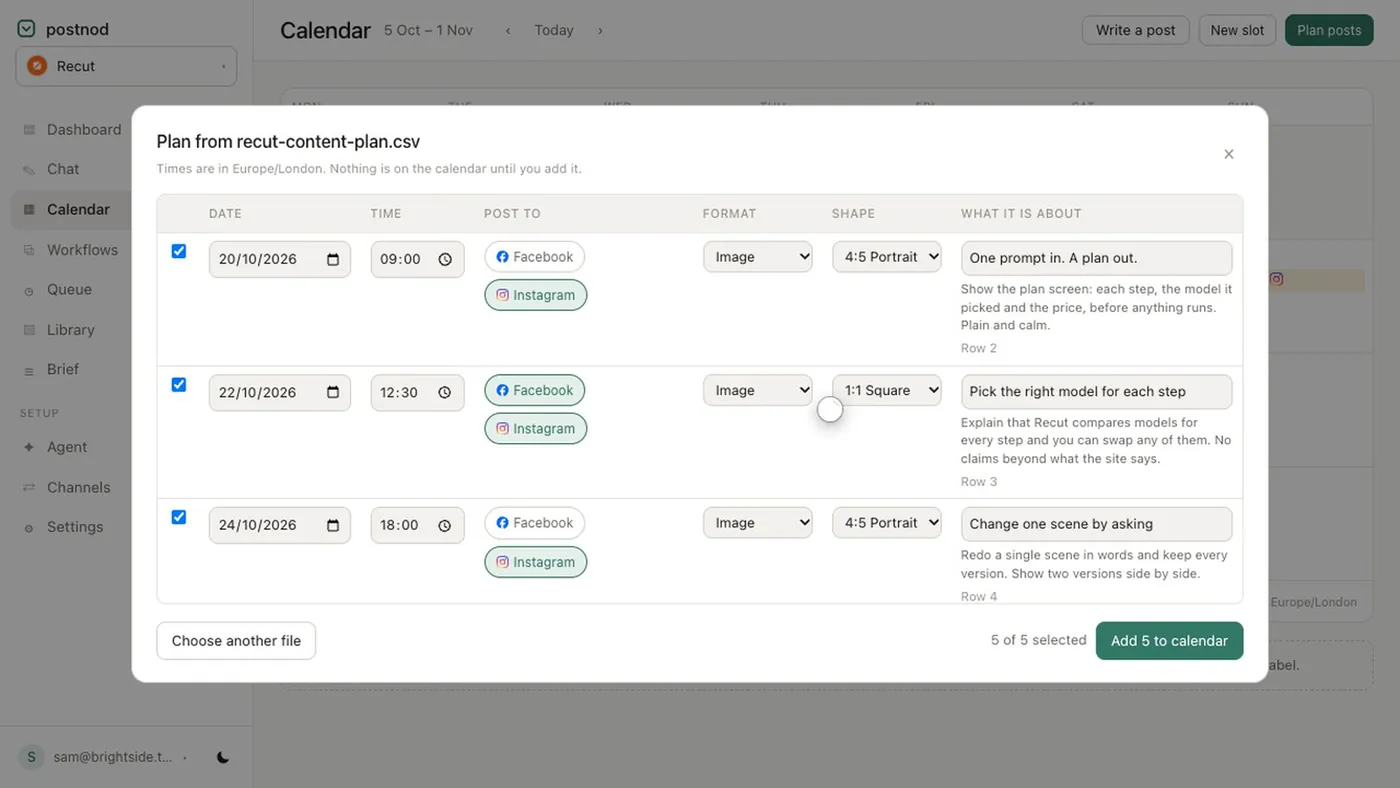
The best Instagram carousel size is 1080 × 1350 pixels (4:5) per slide, and a carousel can hold up to 20 photos and videos. Square (1080 × 1080) and landscape (1080 × 566) also work, but every slide takes the shape of the first, so crop them all to the same ratio before you upload.
In the app you can also post 3:4 (1080 × 1440). Through Meta’s publishing API, which scheduling tools use, images must be between 4:5 and 1.91:1, so 3:4 is out and 4:5 is the tallest you can go.
Carousel sizes per slide
| Shape | Pixels per slide | Through a tool? | In the 3:4 profile grid |
|---|---|---|---|
| 4:5 portrait | 1080 × 1350 | Yes | About 34 px off each side |
| 3:4 tall portrait | 1080 × 1440 | No: app only | Shown in full |
| 1:1 square | 1080 × 1080 | Yes | 135 px off each side |
| 1.91:1 landscape | 1080 × 566 | Yes | Only the middle 425 px or so |
4:5 is the one to default to: it takes the most room in the feed, it works through every tool, and only the first slide appears in the grid anyway, barely cropped. Single-image sizes are in Instagram post size.
Sources: Instagram’s help centre (up to 20 photos and videos) and Meta’s Instagram publishing docs (20 items; images from 4:5 to 1.91:1). Last checked November 2026.
The first slide sets the shape
In the app, the orientation you choose applies to every slide. Meta’s publishing docs say the same thing for tools: carousel images are all cropped based on the first image, with square as the default. So:
- A 9:16 image in a 4:5 carousel loses its top and bottom.
- A 4:5 image in a carousel that starts with a square loses about 135 px top and bottom.
- A landscape image in a portrait carousel loses most of its sides.
Crop every slide to the same ratio yourself before you upload, so you decide what is lost rather than the app.
20 slides, and tools that still say 10
Instagram raised the carousel limit from 10 to 20, and Meta’s publishing API now allows 20 as well. Many scheduling tools were built when the cap was 10 and some still enforce it, so check yours before you design slide 11.
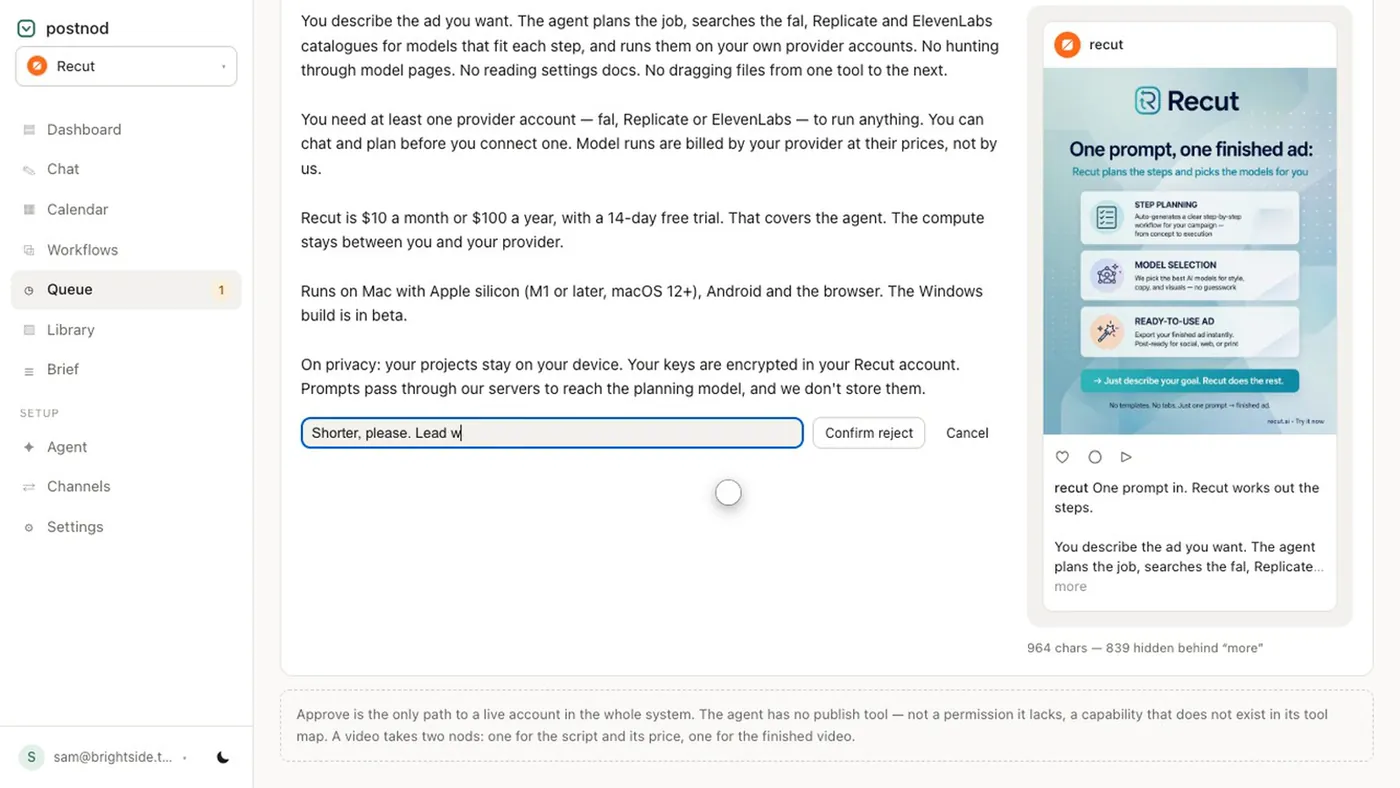
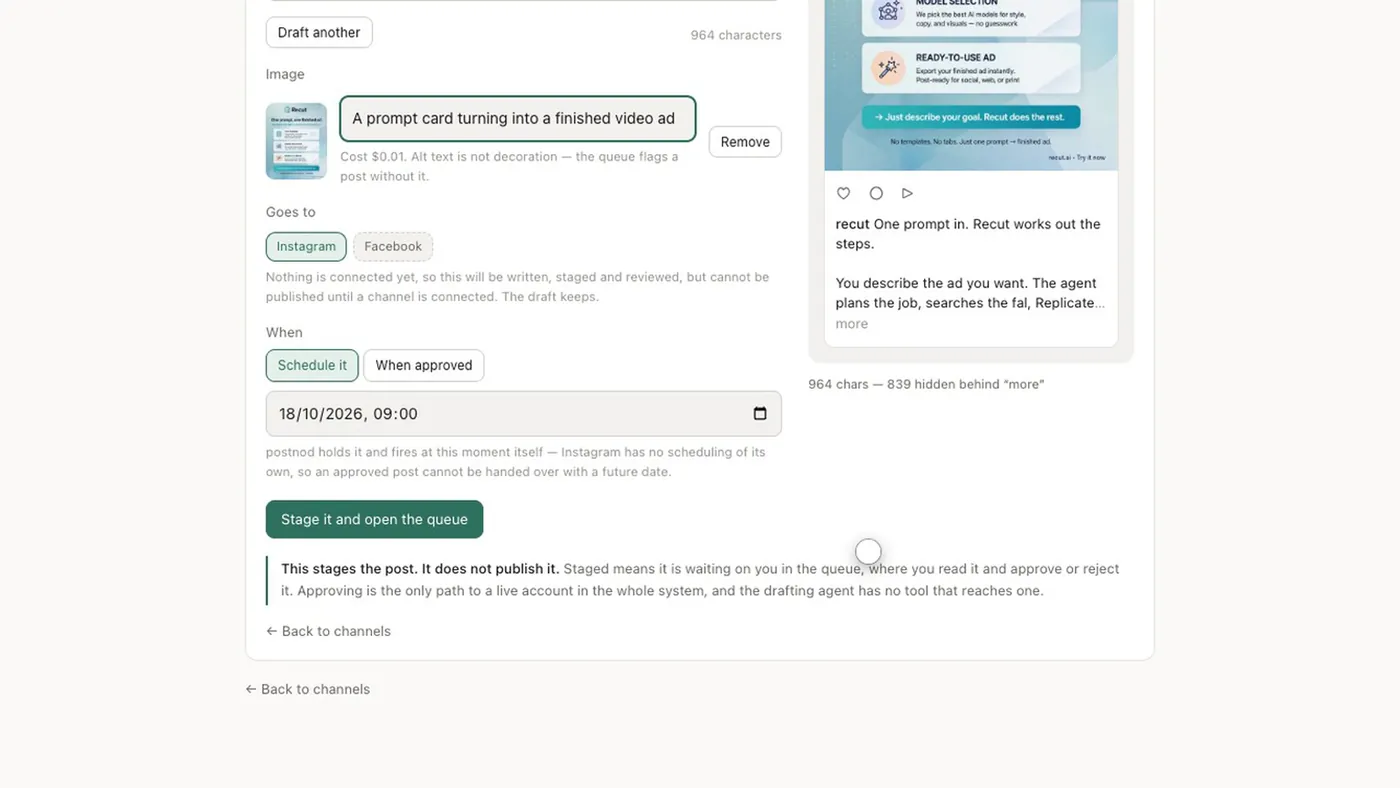
Postnod allows 20 items on an Instagram carousel. If the same post also goes to Facebook, it caps at 10, because the composer uses the tightest limit among the channels you picked.
Whether you should use all 20 is another matter. A carousel is read one swipe at a time; if a slide does not add something, cut it.
Mixing photos and video
- You can mix them. A carousel can hold photos, videos or both, up to 20 in total.
- Video follows the carousel’s shape. A 9:16 clip in a 4:5 carousel is cropped top and bottom, so export video at 4:5 too.
- Lead with whatever works alone. Only the first slide shows in the grid, and it is all many people see in the feed.
- Keep clips short. Neither Instagram’s help centre nor Meta’s publishing docs, as we read them, give a separate length limit for a video inside a carousel. Check a long clip in the app before you plan around it.
Seamless (panorama) carousels
A seamless carousel is one wide image split across slides, so swiping feels like panning. The maths is simple:
- Pick the number of slides. Three is a good start.
- Make a canvas 1080 × slides wide by 1350 tall. Three slides is 3240 × 1350; five is 5400 × 1350.
- Design across the whole canvas, with shapes or lines that run over the joins to invite the swipe.
- Keep faces and words off the joins at 1,080, 2,160 and so on. A word split across two slides is hard to read.
- Slice it into exact 1080-pixel-wide pieces and upload them in order.
- Make slide 1 work on its own. It is the grid tile and the first thing seen in the feed.
For the caption, the same 2,200-character and 5-hashtag limits apply to the whole carousel; there is one caption, not one per slide. See Instagram caption character limit and the Instagram hashtag limit.
Questions people ask
How many slides can an Instagram carousel have?
Up to 20 photos and videos, in the app and through Meta’s publishing API. Some scheduling tools still stop at 10.
What size should Instagram carousel slides be?
1080 × 1350 pixels (4:5) per slide. Square 1080 × 1080 also works; just keep every slide the same shape.
Can you mix sizes in an Instagram carousel?
Not really. The first slide sets the shape and the rest are cropped to match, so crop them all to one ratio first.
Can you put videos in an Instagram carousel?
Yes. A carousel can mix photos and videos, up to 20 items in total, and videos are cropped to the carousel’s shape.
What size is a seamless Instagram carousel?
1080 pixels wide per slide by 1350 tall, so 3240 × 1350 for three slides. Slice it into exact 1080-wide pieces.
Try it on one brand
Postnod reads your website, drafts posts in your brand’s voice, checks them against your rules and waits for your nod. Nothing is posted until a person approves it. Free for one brand.
Related guides
 Sizes and character limitsInstagram post size: the dimensions for every format
 Sizes and character limitsInstagram caption character limit: 2,200, and the 125 that count
 Sizes and character limitsBest aspect ratio for social media: one table, every placementSizes and character limitsInstagram hashtag limit: 5 now, not 30