Instagram Reel size: 1080 × 1920, the grid crop and the cover
An Instagram Reel is 1080 × 1920 pixels (9:16). On your profile grid it shows as a 3:4 crop from the middle, which cuts about 240 px off the top and bottom, so keep the cover’s title in the centre.
Reels made in the app can be up to 20 minutes long, but Instagram says Reels over 3 minutes won’t be recommended to new audiences. Tools that post through Meta’s API can publish Reels of 3 seconds to 15 minutes.
Instagram Reel specs
| What | Spec | Where it comes from |
|---|---|---|
| Size | 1080 × 1920 px | The 9:16 frame Meta recommends |
| Aspect ratio | 9:16 recommended; the API accepts 0.01:1 to 10:1 | Meta’s Instagram publishing docs |
| Length in the app | Up to 20 minutes | Instagram’s Reels page |
| Recommended to new audiences | 3 minutes or under | Instagram’s Reels page |
| Length via the API | 3 seconds to 15 minutes | Meta’s Instagram publishing docs |
| Video file via the API | MP4 or MOV, H.264 or HEVC, 23–60 fps, up to 1920 px wide, up to 300 MB | Meta’s Instagram publishing docs |
| Cover image via the API | JPEG, up to 8 MB, 9:16 recommended | Meta’s Instagram publishing docs |
| Caption | 2,200 characters, 5 hashtags | Meta’s docs; Instagram’s December 2025 hashtag change |
Instagram’s own Reels page mentions both 3 minutes and 20 minutes. The 20-minute figure is how long you can record and edit; 3 minutes is the cut-off for being recommended to people who don’t follow you. Last checked November 2026.
The 3:4 grid crop
Since early 2025 the profile grid shows posts as 3:4 tiles. A 1080 × 1920 Reel becomes a 1080 × 1440 tile taken from the middle:
| Part of the frame | Pixels down from the top | In the grid tile? |
|---|---|---|
| Top band | 0 to 240 | No |
| Middle | 240 to 1,680 | Yes |
| Bottom band | 1,680 to 1,920 | No |
Put the cover title, a face or a product in the middle of the frame and it survives both the full-screen view and the grid. For how the grid treats square and landscape posts, see Instagram post size.
The cover image
The cover is the still frame people see on your profile and wherever the Reel shows as a thumbnail. You can pick a frame from the video or upload an image.
- Make it 1080 × 1920. Meta’s docs recommend 9:16 for a cover sent through the API and say a cover in any other shape is cropped to a centred 9:16.
- Title in the middle band. Between about 270 and 1,250 px down keeps it clear of the grid crop and of the buttons in full-screen view.
- Large type, few words. The grid tile is small on a phone; three to five words is plenty.
- Check the grid tile in the app. The app lets you adjust how the cover sits in the grid when you choose it.
- Through a tool, the cover is either an uploaded image or a frame picked by time. If neither is set, the API uses the first frame, so make the first frame presentable.
The safe area for text
The caption, username and audio line sit over the bottom of a Reel, and the like, comment and share buttons run down the right-hand side. Meta’s ads guidance suggests leaving about 14% of the top, 35% of the bottom and 6% of each side clear of text, which on 1080 × 1920 is roughly:
- Top: 270 px clear.
- Bottom: 670 px clear, so on-screen text ends about 1,250 px down.
- Sides: 65 px clear, and a little more on the right, where the buttons are.
On-screen captions (subtitles) belong just above that bottom zone, not at the very bottom where Instagram’s own caption covers them. Stories use the same frame and the same zones; see Instagram Story size.
Horizontal and square video
A Reel can technically be any shape, but anything other than 9:16 plays with empty space above and below. Meta’s docs recommend 9:16 “to avoid cropping or blank space”. If your original is landscape, reframe it to vertical rather than posting it with bars; it reads as a repost. If the same video also goes to TikTok or Shorts, the same 9:16 file works there; see the best aspect ratio for each platform.
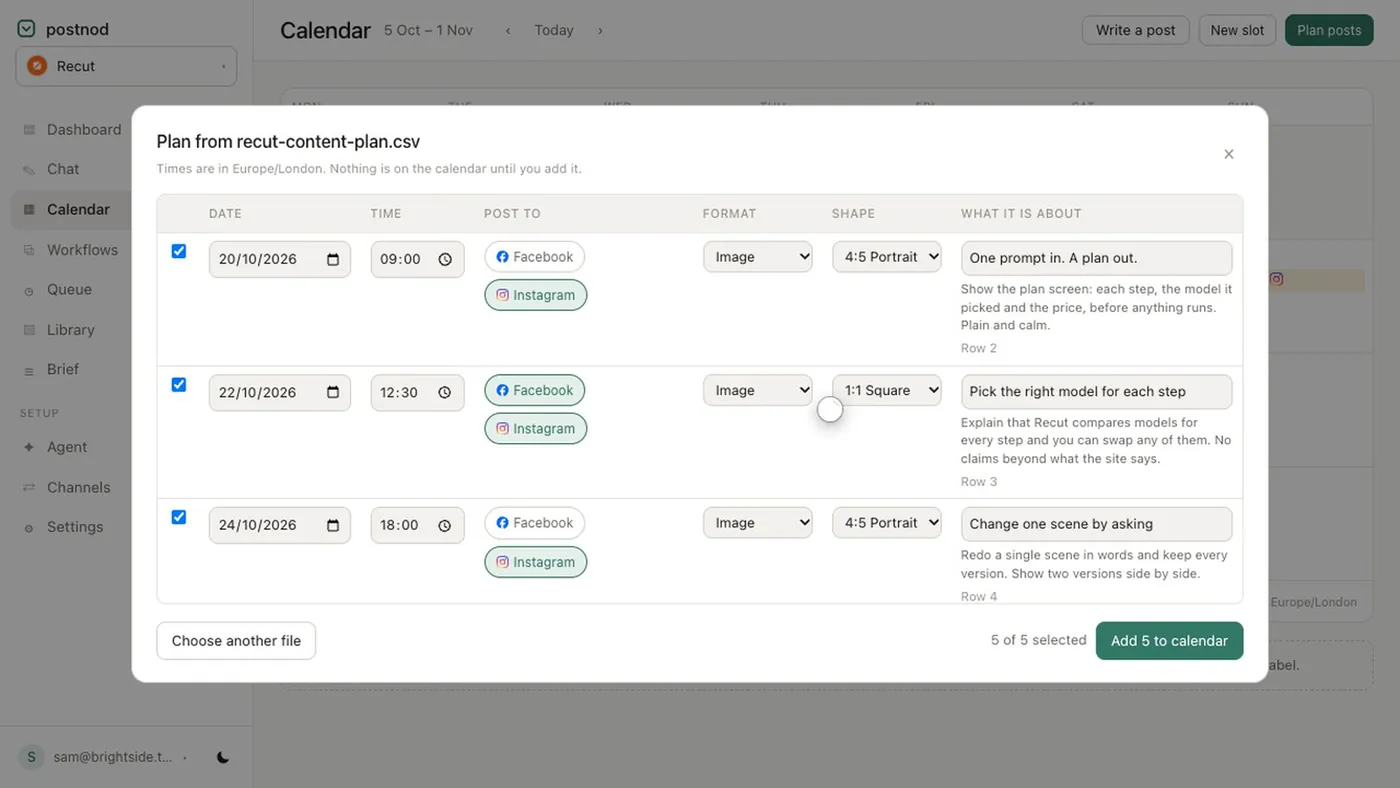
Postnod reads “Reel” in an imported plan as a 9:16 slot, and a single video sent to Instagram through it goes out as a Reel. Scripted, produced video is on the Growth and Agency plans, and it is approved twice: once as a script with its price, once as the finished cut.
Questions people ask
What size is an Instagram Reel?
1080 × 1920 pixels, a 9:16 vertical frame. The profile grid shows the middle 1080 × 1440 of it.
How long can an Instagram Reel be?
Up to 20 minutes in the app. Reels over 3 minutes are not recommended to new audiences, and tools posting through Meta’s API are limited to 15 minutes.
What size should an Instagram Reel cover be?
1080 × 1920 (9:16), with the title in the middle so it survives the 3:4 grid crop.
Why is my Reel cropped on my profile?
The profile grid shows every post as a 3:4 tile, so a 9:16 Reel loses about 240 px from the top and bottom there. The full Reel still plays when tapped.
Can I post a horizontal video as a Reel?
Yes, but it plays with empty space above and below. Reframe it to 9:16 for a full-screen Reel.
Try it on one brand
Postnod reads your website, drafts posts in your brand’s voice, checks them against your rules and waits for your nod. Nothing is posted until a person approves it. Free for one brand.
Related guides
 Sizes and character limitsInstagram Story size: 1080 × 1920, and where not to put textSizes and character limitsInstagram post size: the dimensions for every formatSizes and character limitsBest aspect ratio for social media: one table, every placement
 Sizes and character limitsInstagram caption character limit: 2,200, and the 125 that count