Social media content calendar: what goes in it and how to build one
A social media content calendar is a dated list of the posts you plan to publish: when each goes out, on which platform, in what format, and what it is about. It turns “we should post something” into a short list of decisions you make once a month instead of every morning.
You do not need special software to start. A spreadsheet with six columns (When, Time, Platform, Format, Topic, Angle) covers almost every small business, clinic or agency client. Plan four weeks ahead in outline and one week ahead in detail.
The columns a content calendar needs
Most calendars fail because they hold too little (just a date and a vague topic) or too much (twelve columns nobody fills in). These six are enough to hand a post to anyone, including a freelancer or an AI tool, and get something usable back.
| Column | What goes in it | Example |
|---|---|---|
| When | A date, or a relative day if the plan repeats | Week 1, Monday |
| Time | The time it should go out; leave blank for your usual time | 12:30 |
| Platform | One or more channels | Instagram, Facebook |
| Format | The shape of the post | Carousel, Reel, Story, Portrait, Text |
| Topic | What the post is about, specifically | Five questions customers ask us most |
| Angle | How to do it: the opening, the image, the ending | One question per slide; last slide invites questions |
The Angle column is the one most people skip, and the one that makes the biggest difference. “Customer questions” is a topic. “One question per slide, short honest answers, finish by asking for theirs” is a post someone can actually make.
Optional extras worth adding once the basics are a habit: a Status column (planned, drafted, approved, published), an Owner column if more than one person writes, and a Link column for the finished asset.
How to build one in a spreadsheet
- Open Google Sheets or Excel and type the six column headings in row 1. Freeze the row so it stays visible.
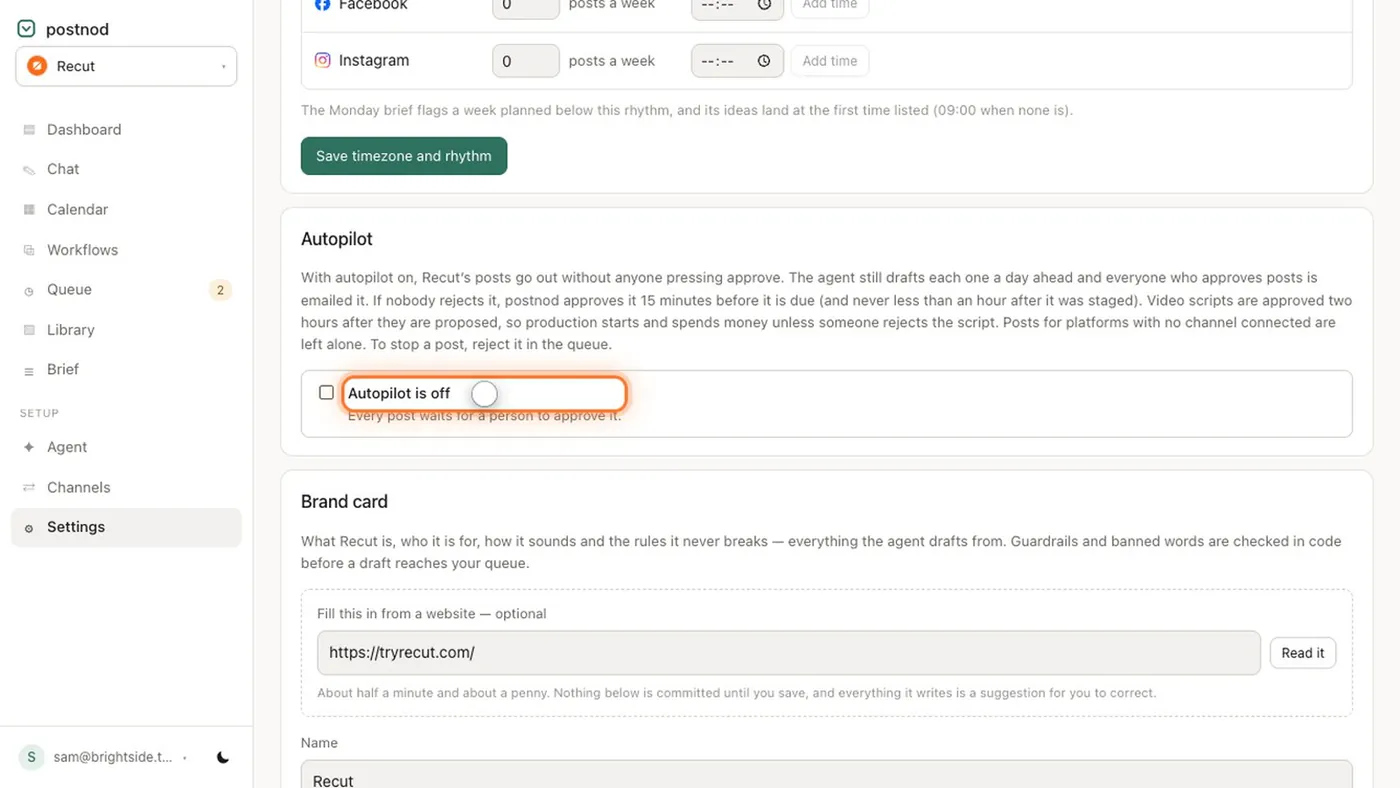
- Decide your rhythm before your topics: how many posts a week on each platform. See how to set a posting schedule.
- Fill the When, Time and Platform columns for four weeks first. That gives you empty slots to fill rather than a blank page.
- Mark the fixed dates: holidays, launches, events, seasonal busy periods, anything already in the diary.
- Fill Topic for every slot, then Format, then Angle for the next seven days only.
- Each Friday, fill in the angles for the following week and move anything that slipped.
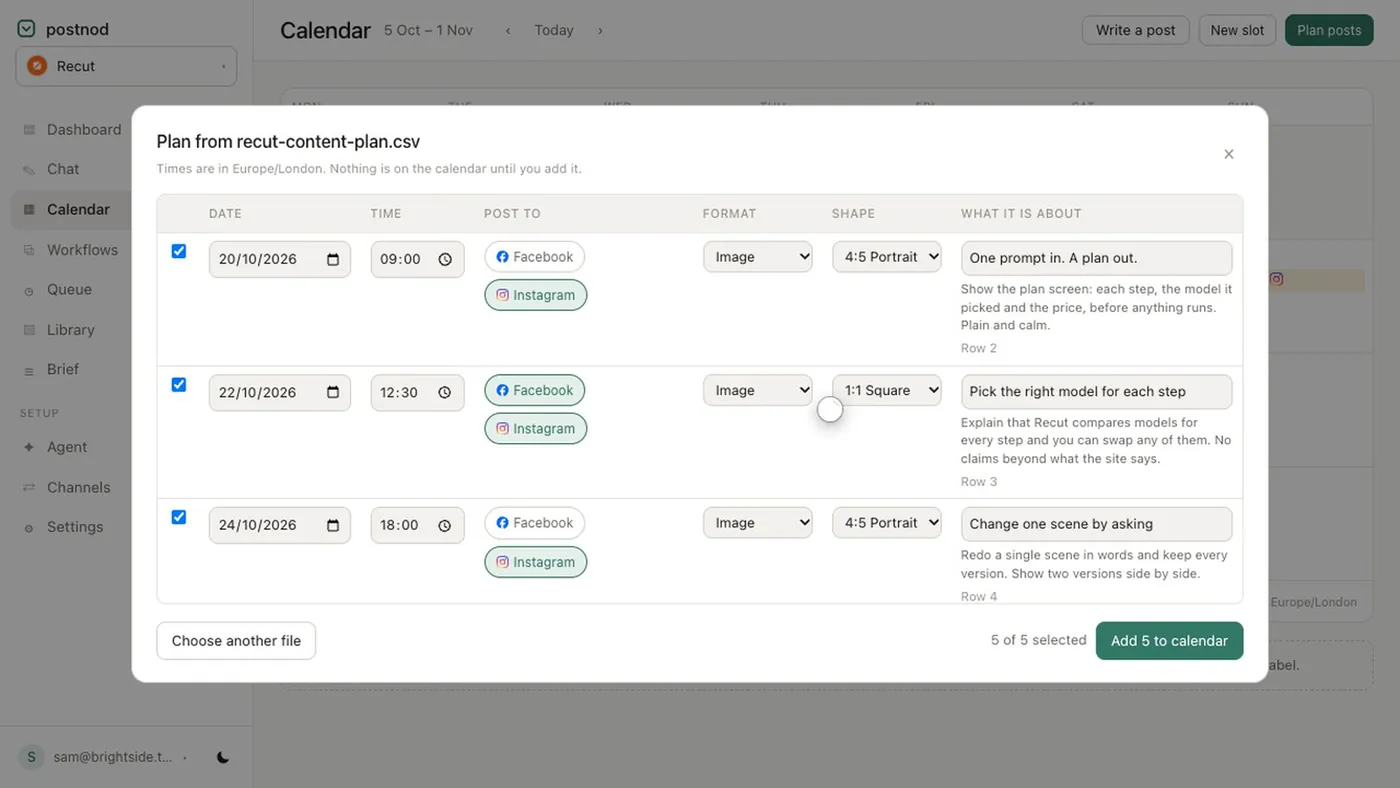
If you would rather not start from blank, download the free social media calendar template with four weeks already filled in.
How far ahead should you plan?
Far enough that you never post in a panic, and near enough that the posts are still true when they go out.
- Four weeks in outline. Dates, platforms and topics. Enough to spot gaps and balance the mix.
- One week in detail. Angles, images and captions. Prices, stock, opening hours and staff change; detailed posts written two months ahead often need rewriting.
- A quarter for big moments only. Launches, seasonal campaigns, awareness days that matter to your audience. One line each.
A calendar is a plan, not a promise. If something real happens (a new member of staff, a sold-out product, a local event), swap a planned post for it. The calendar keeps the rest of the week on track.
Keeping the mix balanced
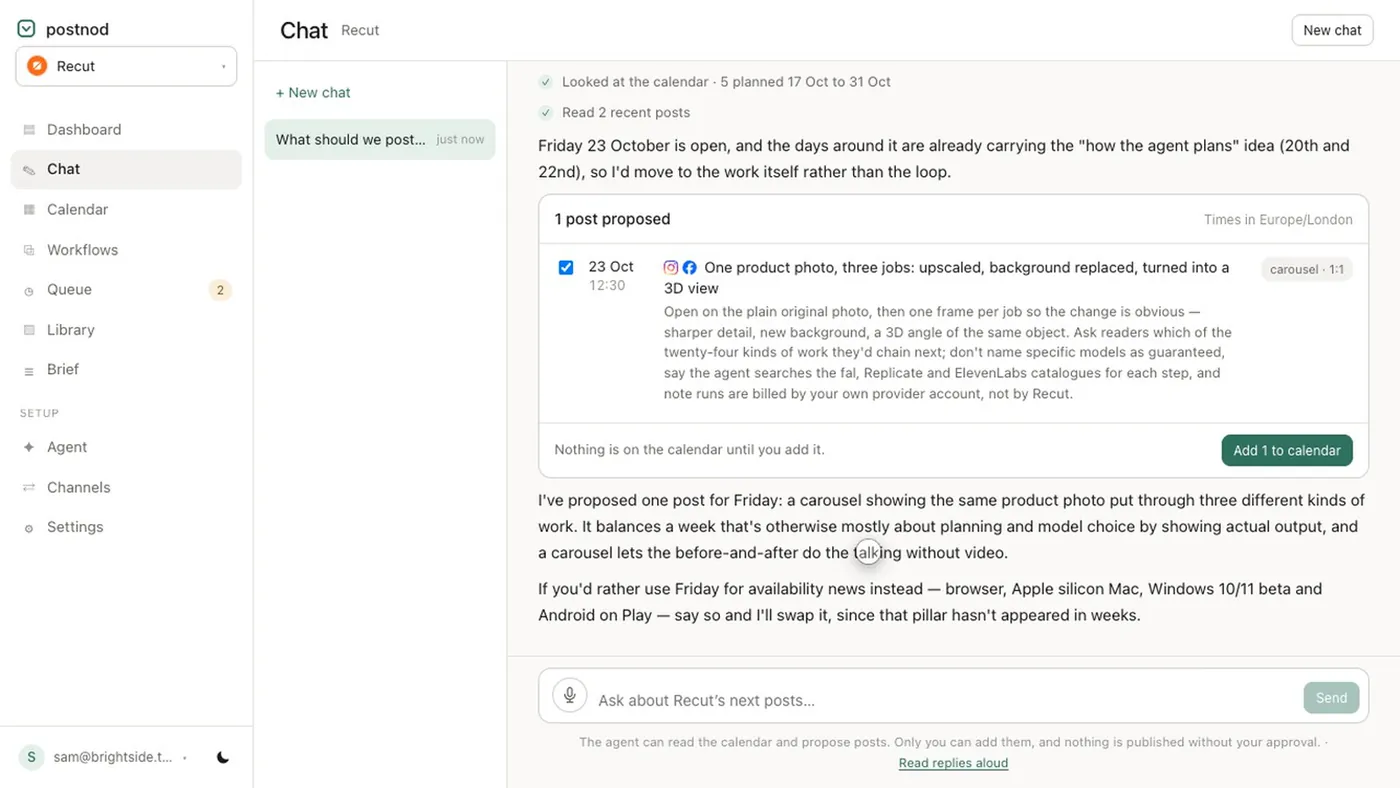
Look at a whole month at once and check the spread. A common split is one post in four selling something, with the rest helping, explaining or showing the people and work behind the business. That is a starting point to adjust, not a rule. If every slot is an offer, people stop reading; if none are, nobody knows what you sell. A social media content plan with three or four content pillars makes this easier.
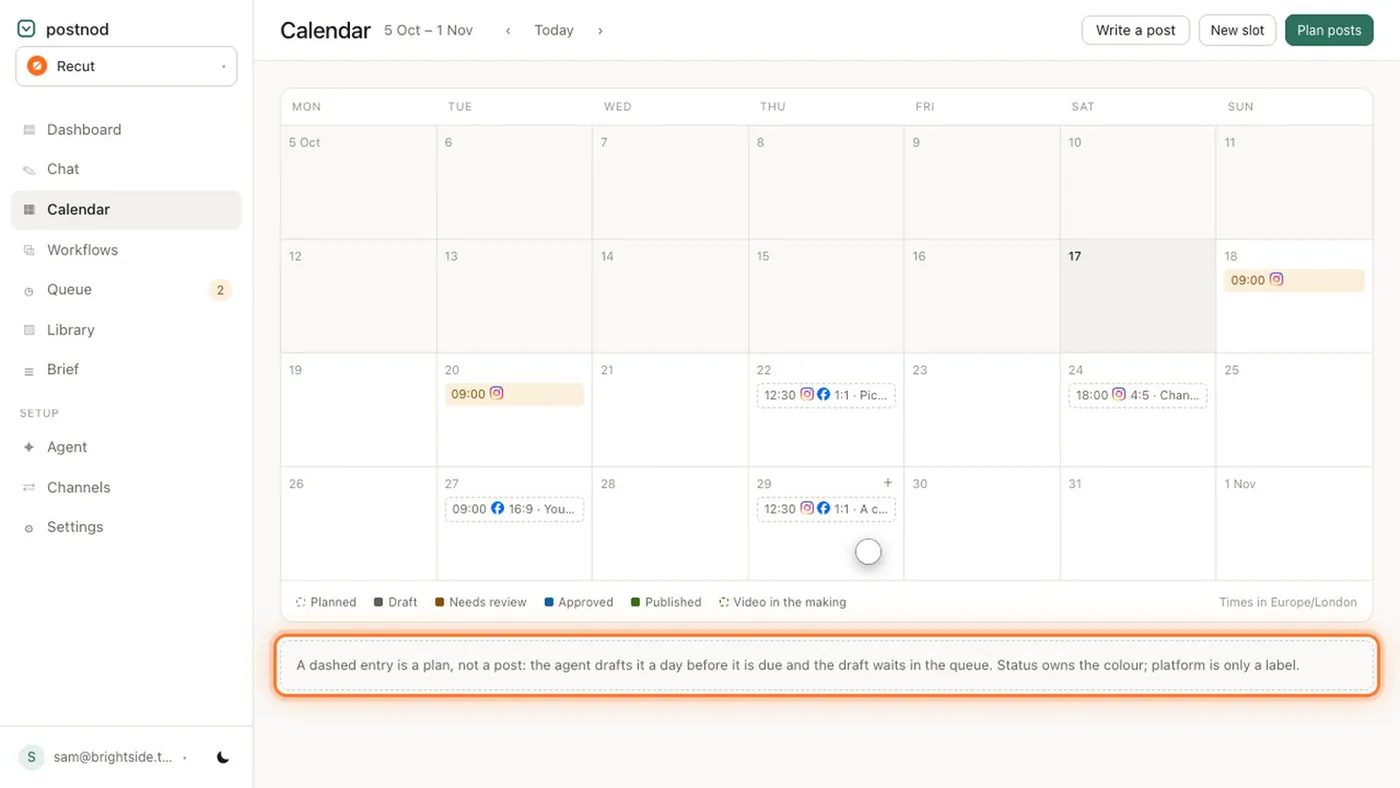
Once a calendar exists, it is also the brief. Whoever writes the post, or whatever tool drafts it, works from the row rather than from a guess. In Postnod, each planned slot sits on the calendar as a dashed entry and the agent drafts it about a day before it is due, then stages it for someone to approve.
Questions people ask
What should be included in a social media content calendar?
At minimum: the date, the time, the platform, the format, the topic and the angle (how the post will be done). Add a status column once more than one person is involved.
How do I make a social media calendar in Excel or Google Sheets?
Put When, Time, Platform, Format, Topic and Angle in row 1, fill dates and platforms for four weeks, then topics, then detailed angles for the coming week. Or start from the free template.
How far in advance should you plan social media posts?
Plan topics about four weeks ahead and write the detail one week ahead. Anything further out tends to go stale before it is posted.
Is a content calendar the same as a posting schedule?
Not quite. A posting schedule is the rhythm (how often and when); the calendar is the list of actual posts that fill that rhythm.
Try it on one brand
Postnod reads your website, drafts posts in your brand’s voice, checks them against your rules and waits for your nod. Nothing is posted until a person approves it. Free for one brand.
Related guides
 Planning and calendarsFree social media calendar template (CSV for Excel or Google Sheets)
 Planning and calendarsSocial media posting schedule: how to set one you can keep
 Planning and calendarsSocial media content plan: pillars, mix and a monthly templatePlanning and calendarsInstagram content calendar: plan a month of posts, Reels and Stories