Instagram content calendar: plan a month of posts, Reels and Stories
An Instagram content calendar is a month-by-month plan of what you will post on Instagram, with each post’s date, time, format (feed post, carousel, Reel or Story), topic and angle. Its job is to make sure the grid, the Reels and the Stories all get attention without you deciding from scratch each day.
For most businesses a workable Instagram calendar has three feed posts or Reels a week with Stories in between, planned four weeks ahead in outline and one week ahead in detail.
Plan the format, not just the topic
On Instagram the format decides how much work a post takes and where it appears. Put it in the calendar from the start.
| Format | Shape to plan for | Good for |
|---|---|---|
| Feed post (Portrait) | 4:5 | A strong single photo; takes the most space in the feed |
| Feed post (Square) | 1:1 | Simple images, text graphics |
| Carousel | 4:5 or 1:1, same for every slide | How-tos, lists, before-you-visit guides, step-by-steps |
| Reel | 9:16 | Behind the scenes, quick demonstrations, people at work |
| Story | 9:16 | Day-to-day updates, polls, reminders; disappears after 24 hours |
Those three shapes (4:5, 1:1 and 9:16) are the ones Instagram shows uncropped. If an image arrives in another shape, it will be cropped, so plan for these when you brief a photographer or designer. More detail in Instagram post size.
A four-week Instagram calendar
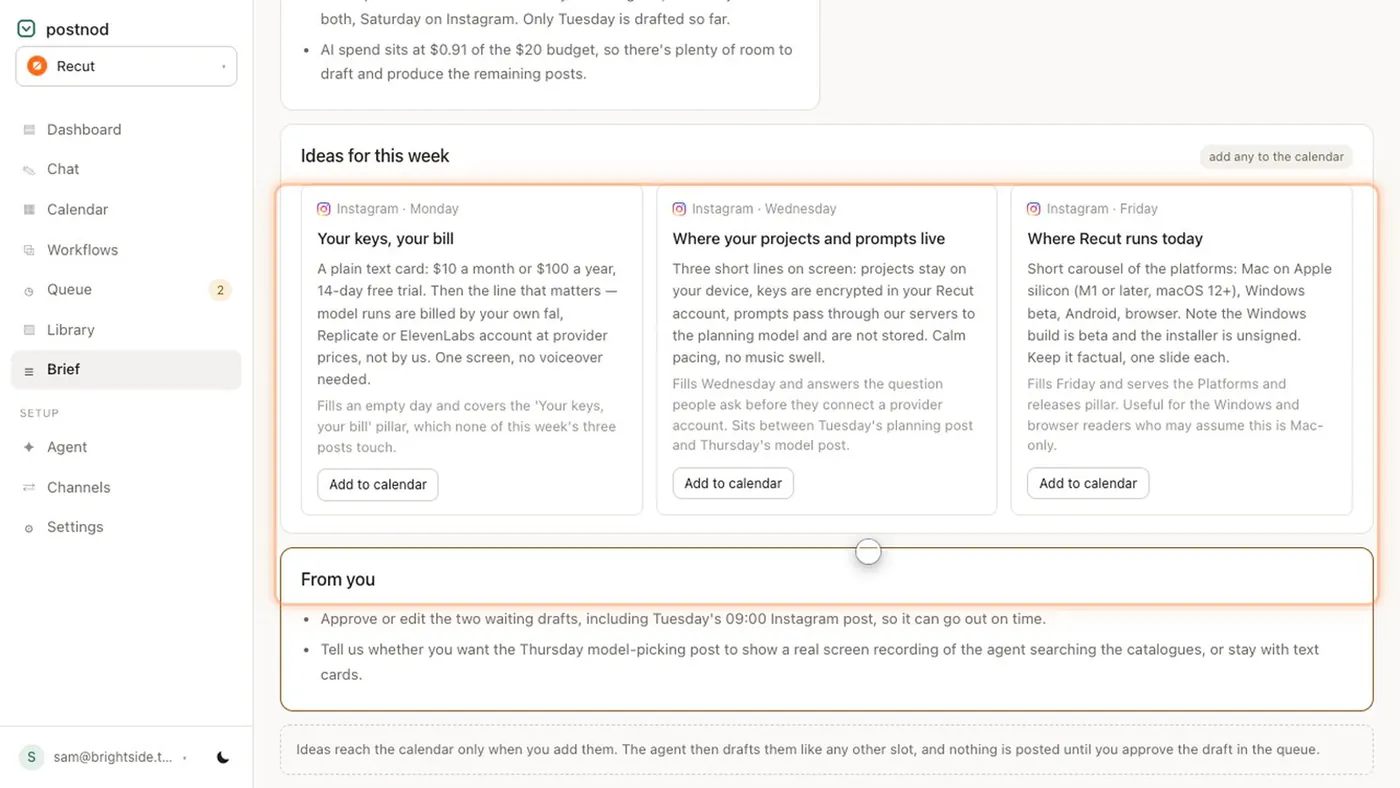
An example rhythm of three main posts a week. Swap the topics for your own; keep the variety of formats.
| Week | Monday | Wednesday | Friday |
|---|---|---|---|
| 1 | Portrait: what we do, in one picture | Carousel: five questions customers ask | Reel: a typical morning, 15 seconds |
| 2 | Portrait: meet a member of the team | Carousel: how to get the most from us | Story series: weekend opening and one highlight |
| 3 | Square: a customer question, answered | Reel: one quick demonstration | Portrait: something new this month |
| 4 | Carousel: myths about what we do | Portrait: a detail people never notice | Reel: thank you for this month |
Fill the days in between with Stories: a poll, a reminder, a shared customer post (with their permission), a quick look at today. Stories do not need to be on the calendar row by row unless you work as a team.
If you want this ready to edit, the free social media calendar template has a similar month as a spreadsheet.
Captions: plan the first line
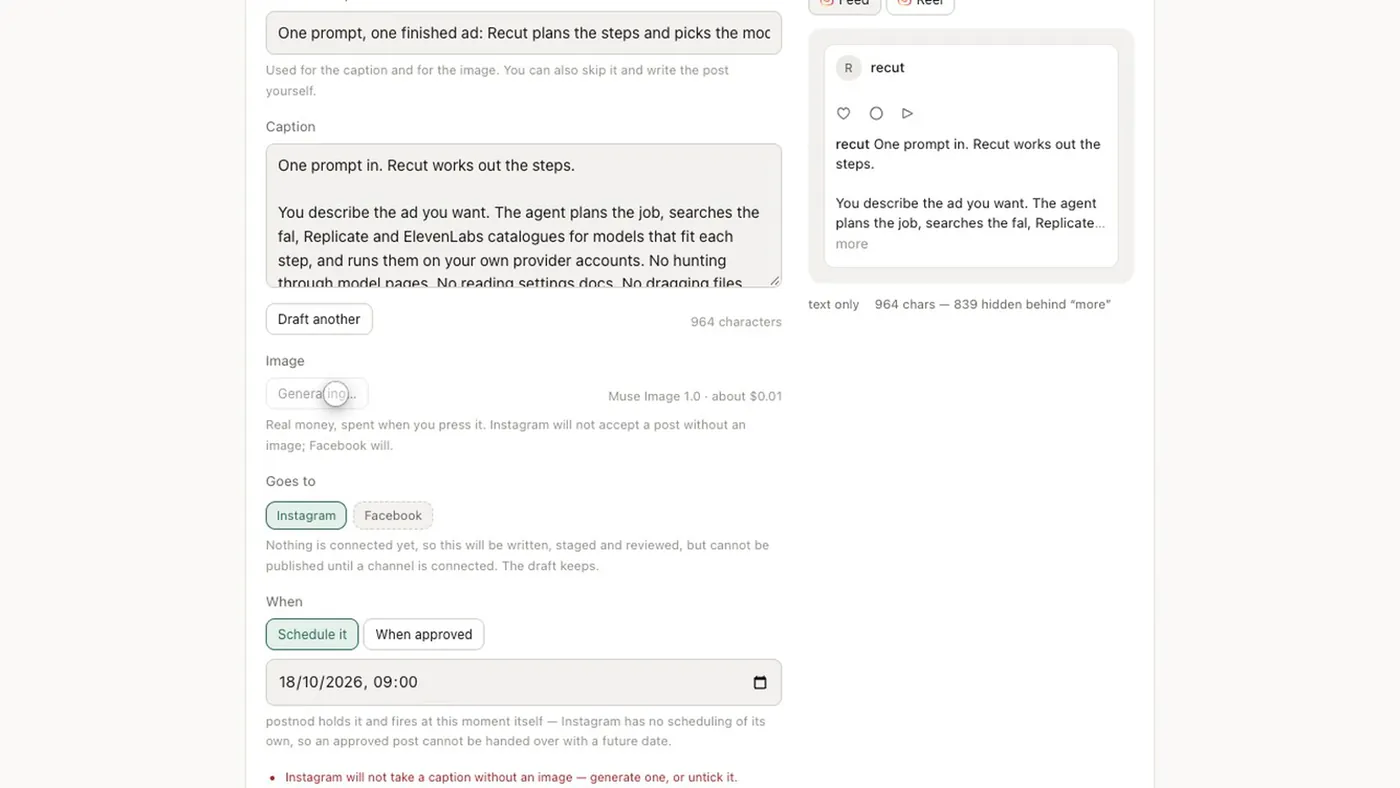
Instagram allows up to 2,200 characters in a caption, but only the first line or two shows before “more”. Write the calendar’s Angle column so it says what that first line will do.
- Put the point first. “We open at 7 on Saturdays now” rather than “Some exciting news…”.
- Links in captions are not clickable. Say “link in bio” or use a Story link instead.
- Keep hashtags few and relevant, at the end, rather than a block that pushes the caption down.
- Check the length per post. See Instagram caption character limit for what fits and what hides.
Looking at the grid as a whole
Before a month starts, look at the planned posts side by side. Too many text graphics in a row look like adverts; too many similar photos look like the same post twice. Alternate people, places, products and information. A quick way to check is to lay the month’s planned images out in a three-column grid, the way a profile shows them, and look for runs of three that feel the same. Swap one of them for a different format or subject before you start writing captions.
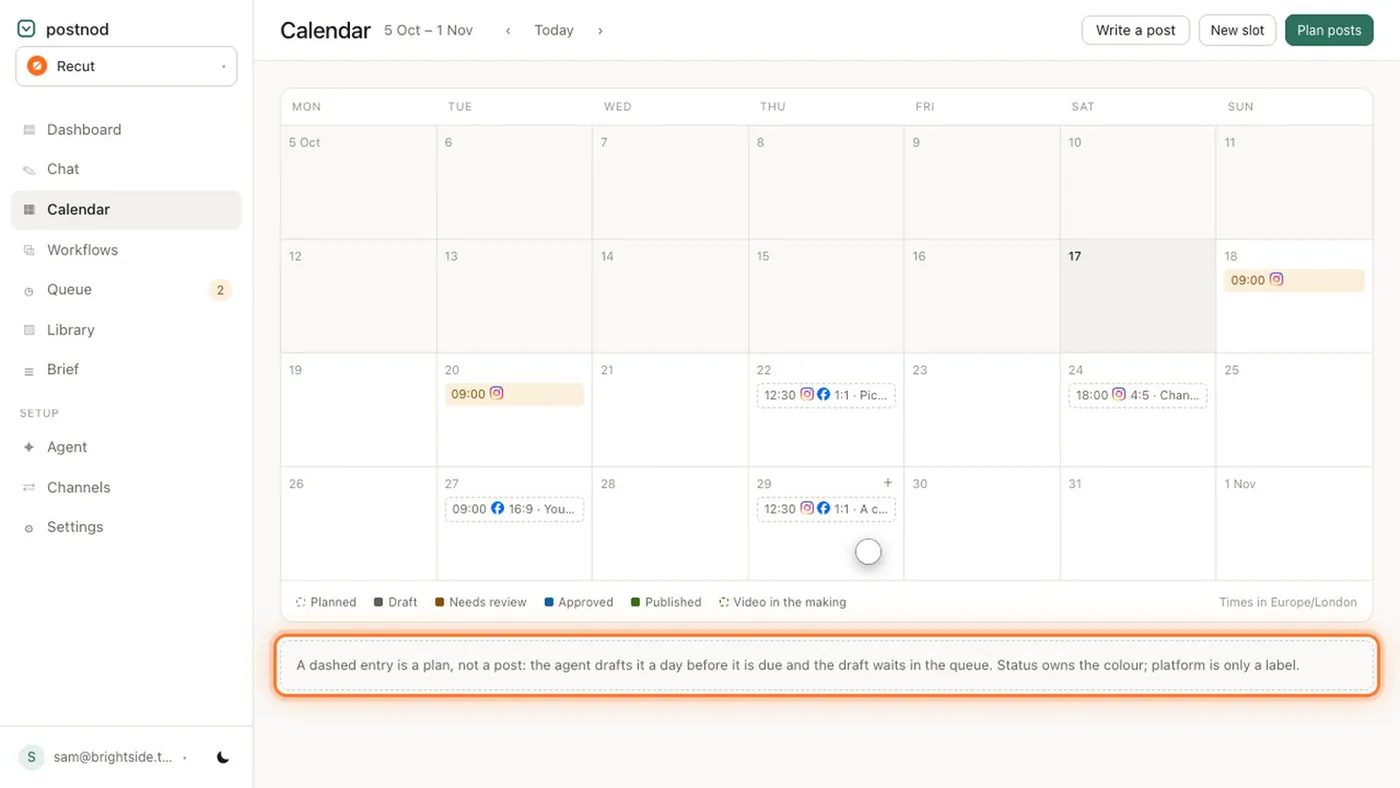
Postnod shows each planned slot on a month calendar with the time, platform and image shape, and its phone preview shows how a drafted post will appear, including how much of the caption hides behind “more”, before anyone approves it.
Questions people ask
How do I make an Instagram content calendar?
List four weeks of slots with a date, time, format and topic, then add the angle for the coming week. A spreadsheet works; so does the free template.
How many Instagram posts should I plan per week?
Three feed posts or Reels a week is a manageable starting point for most businesses, with Stories in between. Test it for a month before changing.
Should Stories go on the content calendar?
Add them when they matter: a launch, an event, a poll you want to run. Day-to-day Stories can be spontaneous.
What size should Instagram posts be?
Plan for 4:5 portrait or 1:1 square for feed posts and 9:16 for Reels and Stories; those shapes show uncropped. See Instagram post size.
What is the best way to keep an Instagram content calendar?
A spreadsheet is enough to start, and Meta’s own Business Suite can schedule Instagram posts once they are written. Move to a dedicated tool when more than one person writes or someone else has to approve.
Try it on one brand
Postnod reads your website, drafts posts in your brand’s voice, checks them against your rules and waits for your nod. Nothing is posted until a person approves it. Free for one brand.
Related guides
Planning and calendarsSocial media content calendar: what goes in it and how to build one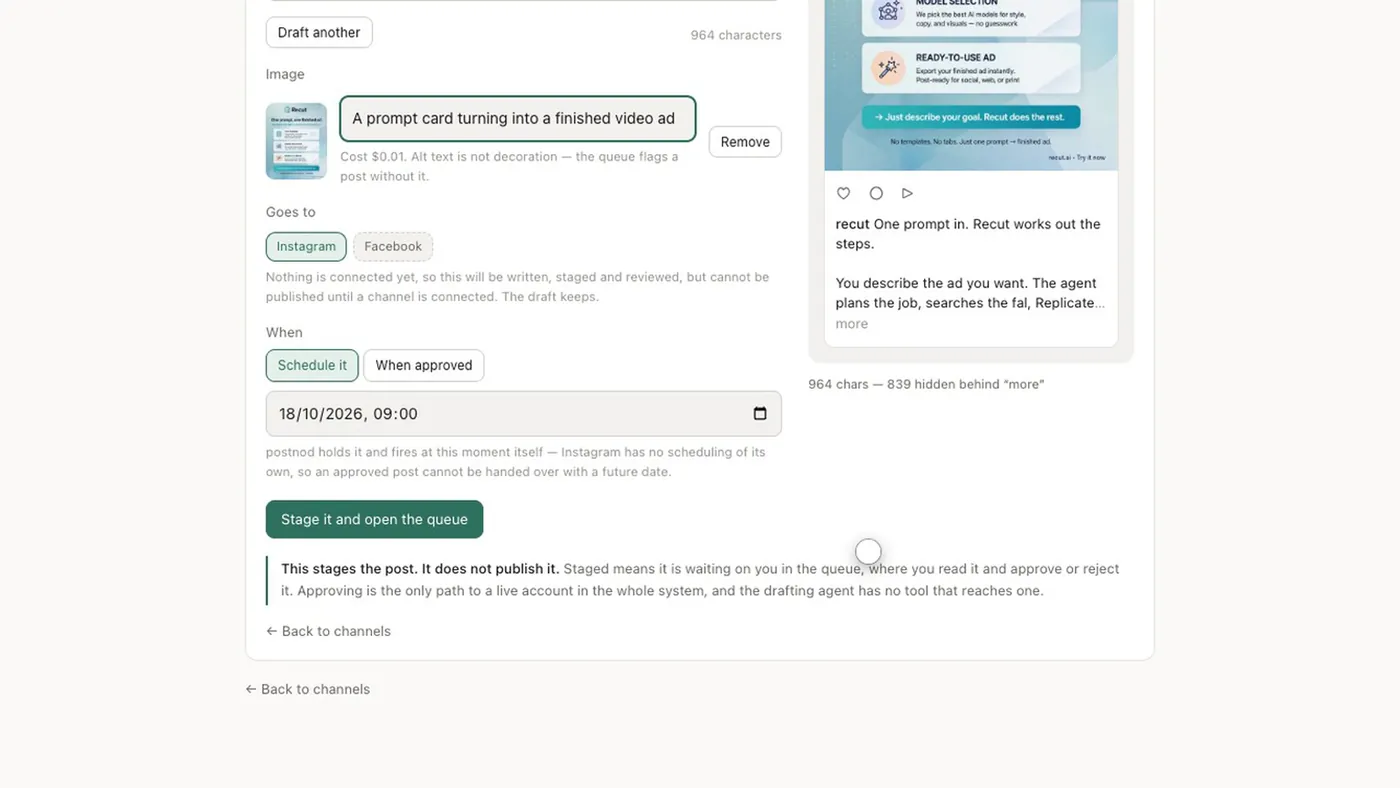 Sizes and character limitsInstagram post size: the dimensions for every format
 Sizes and character limitsInstagram caption character limit: 2,200, and the 125 that count
 Post ideas by tradeSalon Instagram post ideas: 30 for a hair salon