Social media post ideas for small business: 30 for any trade
The best social media post ideas for a small business show the work, the people and the knowledge behind it, and tell customers something useful: a job from start to finish, the question you get asked most, a gap in this week’s diary. Below are 30 ideas that work for almost any trade, grouped by theme, with the format that suits each.
Swap in your own details and each idea becomes a specific post. A plumber’s “job start to finish” is a boiler swap; a florist’s is a wedding arch.
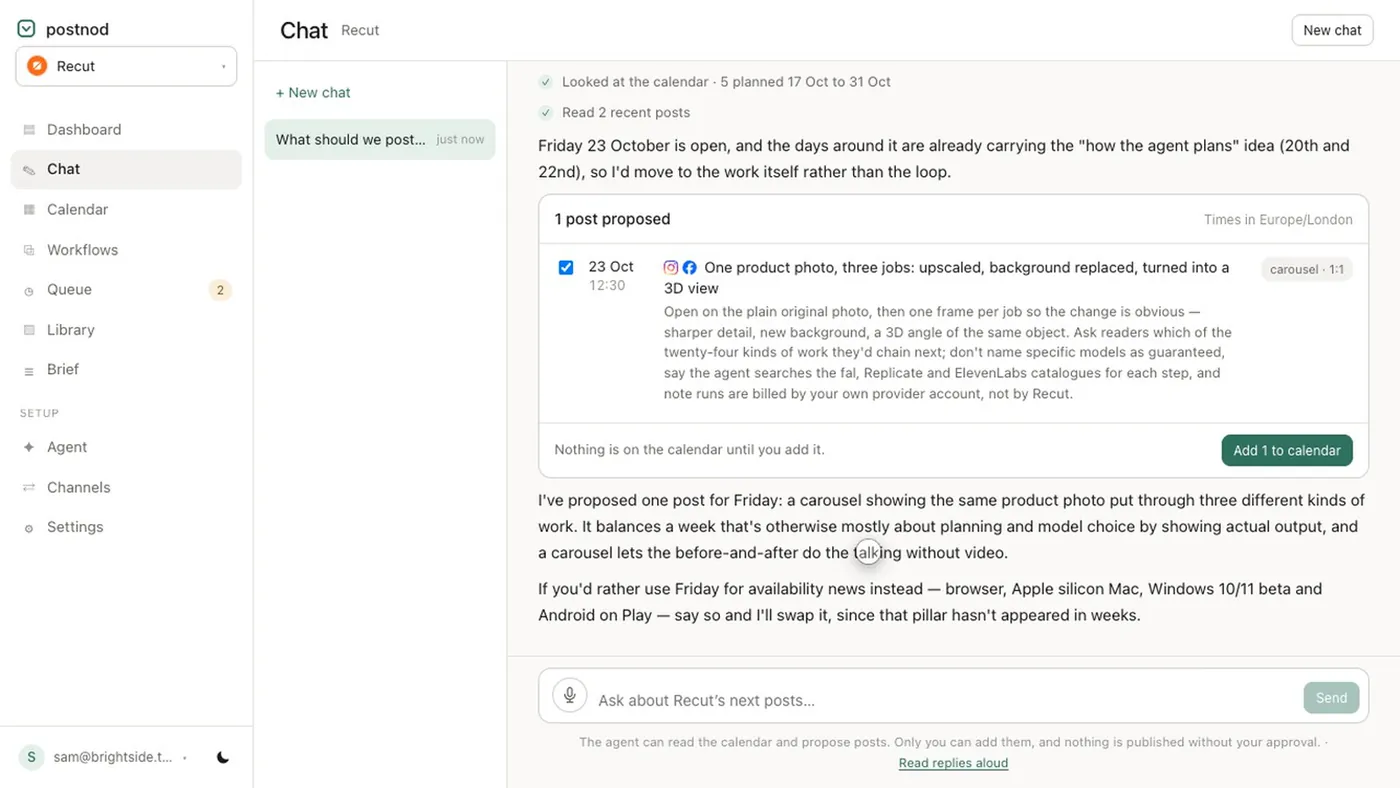
30 post ideas for any small business
Show the work
- 1. One job from start to finish in under a minute.
- 2. The tool, material or ingredient you’d never work without, and why.
- 3. What a normal day actually looks like.
- 4. A problem you fixed for a customer, without names unless they agree.
- 5. Opening up, packing an order or loading the van.
People
- 6. Meet the owner: why you started.
- 7. Meet the team, one person a week.
- 8. A customer’s words, quoted with their permission.
- 9. A supplier or local partner you rely on.
Teach something
- 10. The question you’re asked most, answered properly.
- 11. How to tell when it’s time to call in a professional.
- 12. A myth in your trade, and the fact.
- 13. A three-step tip customers can do themselves.
- 14. One piece of jargon explained.
- 15. How to choose between two things you sell.
- 16. What to expect at a first appointment or delivery.
Offers and news
- 17. A new product or service, with the real price.
- 18. A price change, explained a month ahead.
- 19. Holiday opening hours.
- 20. A gap in this week’s diary, posted the day it opens up.
- 21. Gift vouchers before the dates that matter to your customers.
- 22. Something you’ve stopped doing, and why.
Seasonal
- 23. The seasonal problem your trade solves, a few weeks before it hits.
- 24. Local events and holidays your customers care about.
- 25. Your business anniversary: what has changed since day one.
- 26. Your year in numbers, from your own records only.
Community and conversation
- 27. A local cause you support, without making it about you.
- 28. A shout-out to a neighbouring business.
- 29. A poll: let followers pick the next product, colour or special.
- 30. A good comment or review, answered in a full post.
Which format suits which idea
| Ideas | Format | Shape |
|---|---|---|
| Start-to-finish jobs, a normal day, opening up (1, 3, 5) | Reel or TikTok | 9:16 vertical |
| Diary gaps, polls, today’s news (20, 29) | Story | 9:16 vertical |
| Tips, myths, how to choose (11, 12, 13, 15) | Carousel | 4:5 portrait, up to 10 slides on Instagram |
| Meet the team, new product, a quote (7, 8, 17) | Single image | 4:5 or 1:1 on Instagram; LinkedIn and Facebook also take 1.91:1 |
| Price changes, opening hours, the why behind a decision (18, 19, 22) | Text post | Facebook, LinkedIn, X or Threads; Instagram always needs an image |
Character limits differ a lot between platforms: X allows 280, LinkedIn 3,000, Instagram 2,200. The full list is in social media character limits.
Posts to avoid
- Claims you can’t back up. “Best in town”, “guaranteed”, “number one”, unless you can show where that comes from.
- False urgency. Countdown timers and “last chance” on offers that come back next month.
- Other people’s photos. Images from Google, Pinterest or a competitor’s site. Use your own, or ones you have a licence for.
- People who haven’t agreed. Customers, staff and especially children.
- Reviews you wrote yourself. Only post what a real customer said, in their words.
Turn the list into a month
- Pick how often you can post every week without strain, for example three times.
- Give each posting day a theme: teach, show the work, people.
- Fill four weeks from the list. Three posts a week uses 12 ideas, so 30 ideas last more than two months.
- Add the dates that matter to your customers, then move ideas to fit them.
- Batch the work: one session for photos and video, one for captions.
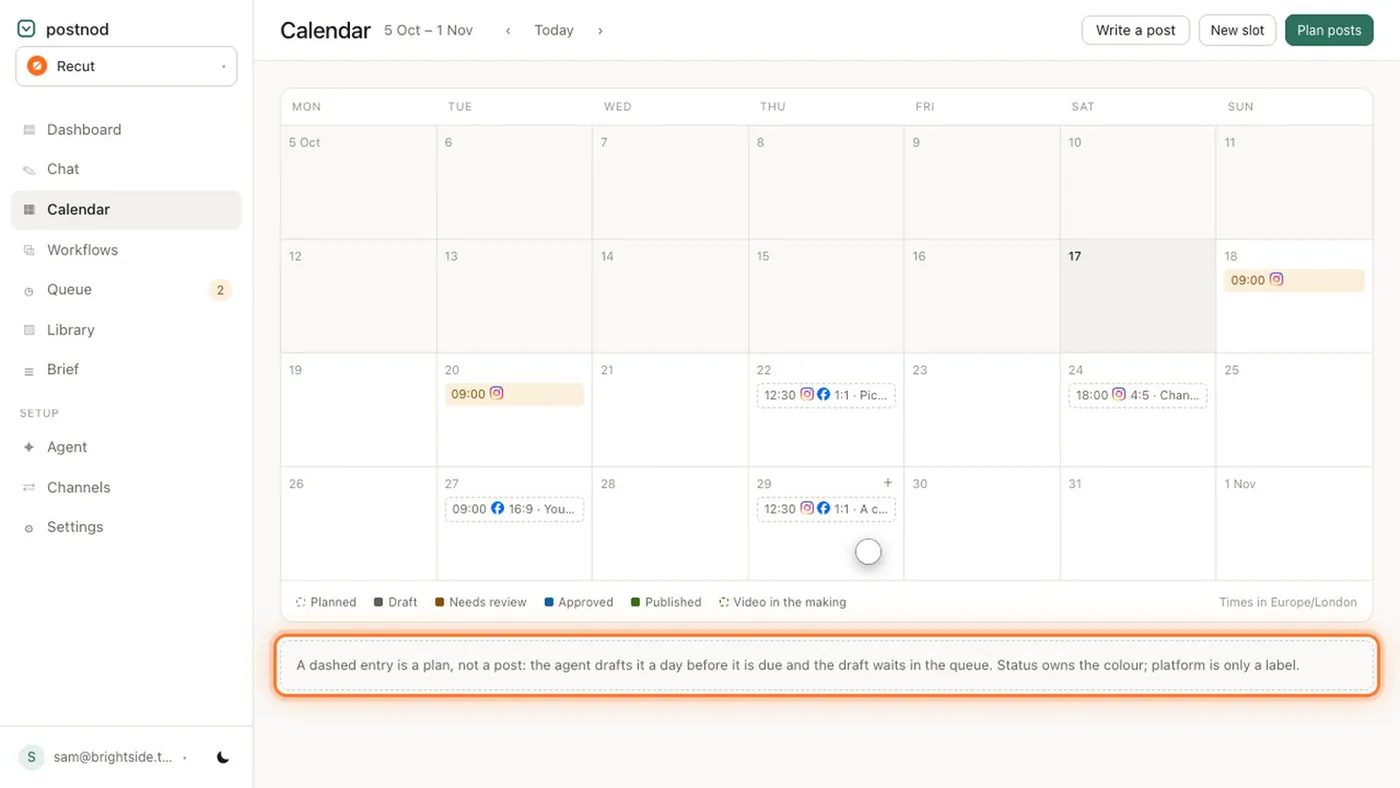
Use our social media calendar template to lay out the month, and how to build a content calendar to keep it going. Postnod can turn a plan like this into drafted posts that wait in a queue until you approve them.
Questions people ask
What should a small business post on social media?
A mix of the work itself, the people behind it, useful tips, and practical news such as prices, hours and availability. Rotating those themes keeps the feed from feeling like a stream of adverts.
How many times a week should a small business post?
Pick a number you can keep, often two to four a week, and hold it for a month before changing. See how often a business should post.
What can I post when I have nothing to post?
Answer the last question a customer asked you, show what you did this morning, or explain one thing people get wrong about your trade. Those are always available.
Should a small business post the same thing on every platform?
The idea can be the same, but adjust the shape and length for each one: vertical video for Reels and TikTok, a 4:5 image for the Instagram feed, a shorter caption for X.
Try it on one brand
Postnod reads your website, drafts posts in your brand’s voice, checks them against your rules and waits for your nod. Nothing is posted until a person approves it. Free for one brand.
Related guides
 Planning and calendarsSocial media content calendar: what goes in it and how to build one
 Planning and calendarsHow often should a business post on social media?Planning and calendarsSocial media content plan: pillars, mix and a monthly template
 Post ideas by tradeSalon Instagram post ideas: 30 for a hair salon